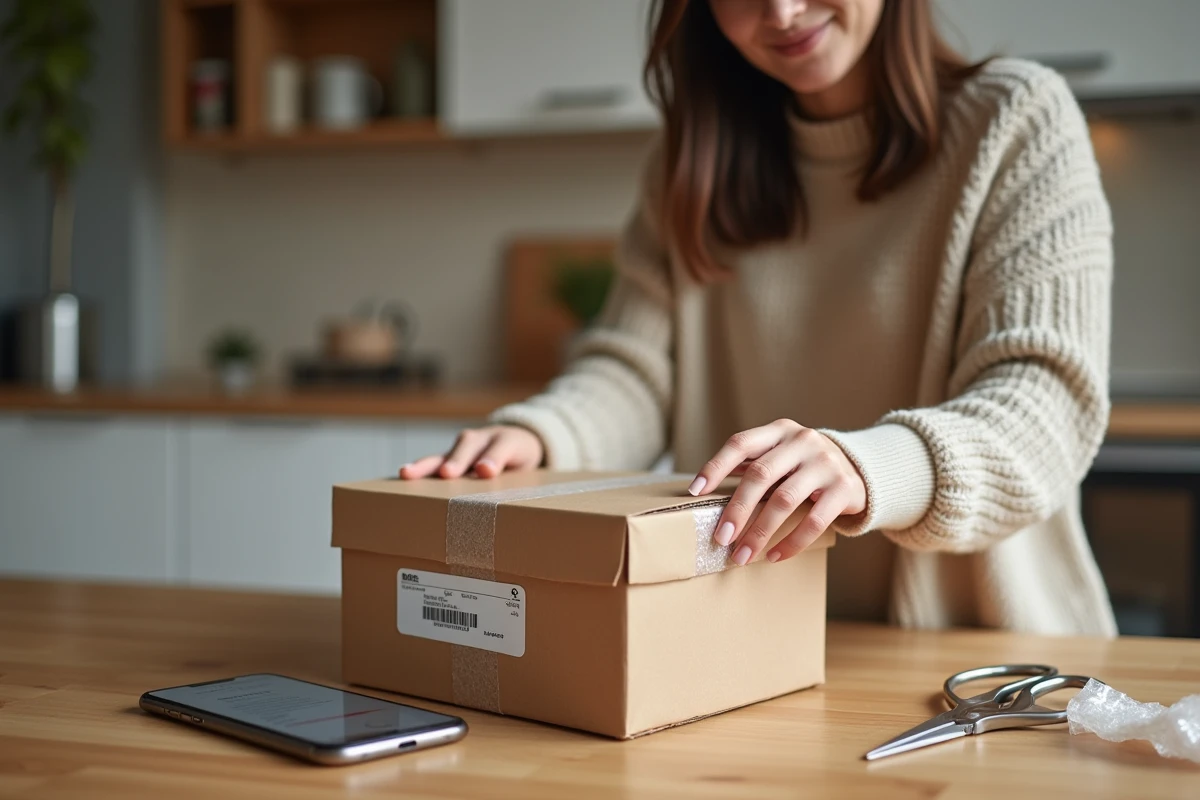
You have just sold an item on Vinted and the buyer has confirmed the order. The app displays a shipping label, a QR code, and sometimes a barcode. Depending on the carrier selected by the buyer, the procedure for dropping off the package varies significantly. Understanding these differences avoids unnecessary trips to collection points and labeling errors.
QR code or paper label: what each carrier expects from the seller
The most common trap when starting on Vinted is treating all shipments the same way. Some carriers operate with a simple QR code to scan on-site, while others require a printed label to be attached to the package before drop-off.
With Vinted Go, the seller receives a QR code directly in the app, which is also accessible via email. This code is sufficient to drop off the package in a locker or an automated collection point. There is no need to print anything: the drop-off point prints the label or associates it digitally with the package.
To send a package with Vinted Go, you must first check which shipping method the buyer has chosen, as the procedure depends directly on it.
Traditional carriers like Colissimo or Mondial Relay often require a label to be printed from the “Sales” tab of the app. Without a label attached to the package, the collection point will refuse the drop-off. This mistake is common among sellers who switch from a Vinted Go shipment (QR code) to a shipment via another service.
Vinted Go and automated lockers: step-by-step drop-off in a locker
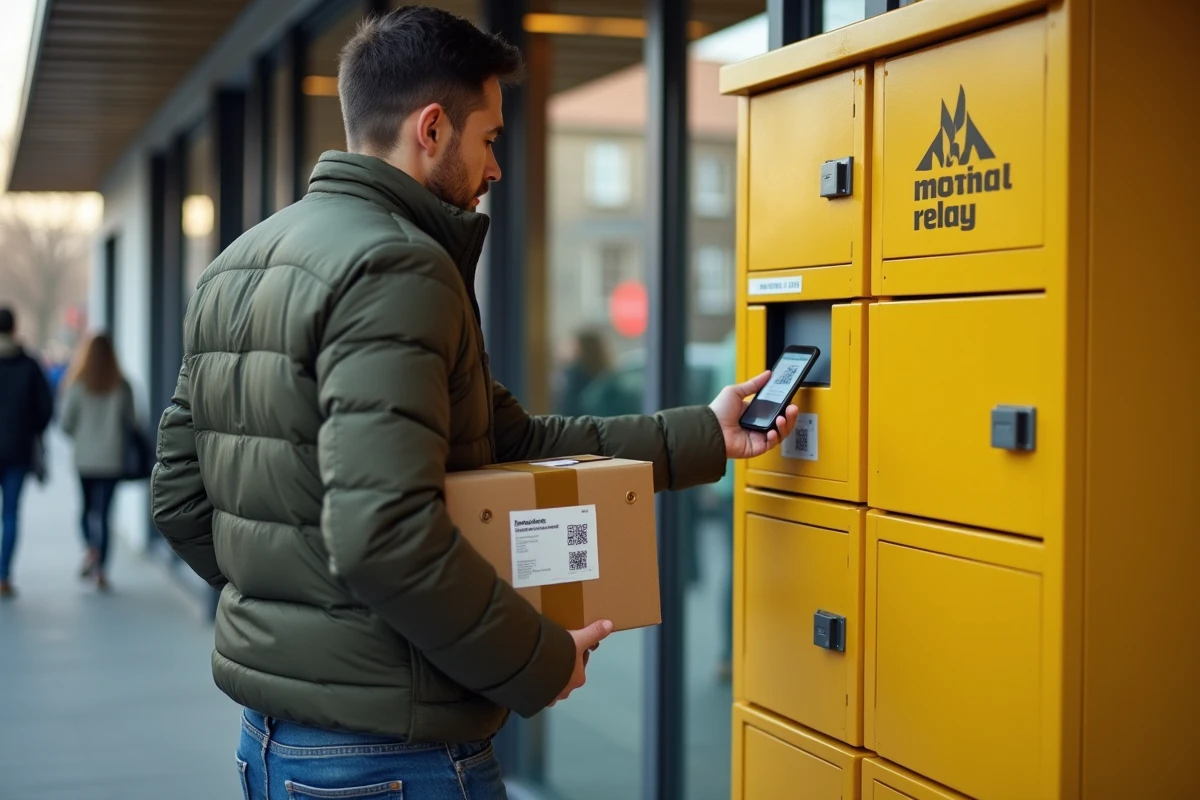
The Vinted Go lockers are self-service lockers installed in accessible locations (shopping centers, train stations, parking lots). Their operation differs from that of a traditional collection point.
Have you ever used a parcel locker to pick up an order? The principle is the same, but reversed. Here’s how a drop-off in a Vinted Go locker works:
- Open the Vinted app, access the conversation with the buyer, and click on “Get the shipping label” to generate the QR code.
- Go to the locker, scan the QR code on the locker screen. A compartment opens automatically.
- Place the package in the locker, close the door. The delivery tracking is activated as soon as the locker is closed.
Why choose a locker instead of a collection point? The locker is accessible outside of regular business hours. If you work during the day, it is often the only realistic option to drop off a package on a weekday evening.
Locker size and dimension limits
The lockers have a maximum size. A winter coat folded in a large bag might not fit. Check the size of the locker available on the Vinted Go map before heading out. The app indicates nearby drop-off points and the type of locker offered.
If the package exceeds the dimensions of the locker, you will need to resort to a partner collection point that accepts Vinted Go packages. The QR code remains valid for these points.
Drop-off at Vinted Go collection points: the differences with a traditional collection point
Vinted Go partners with several networks of collection points. The seller does not choose the final carrier; it is the buyer who selects it at the time of purchase. The seller simply needs to drop off the package at the right place with the correct documentation.
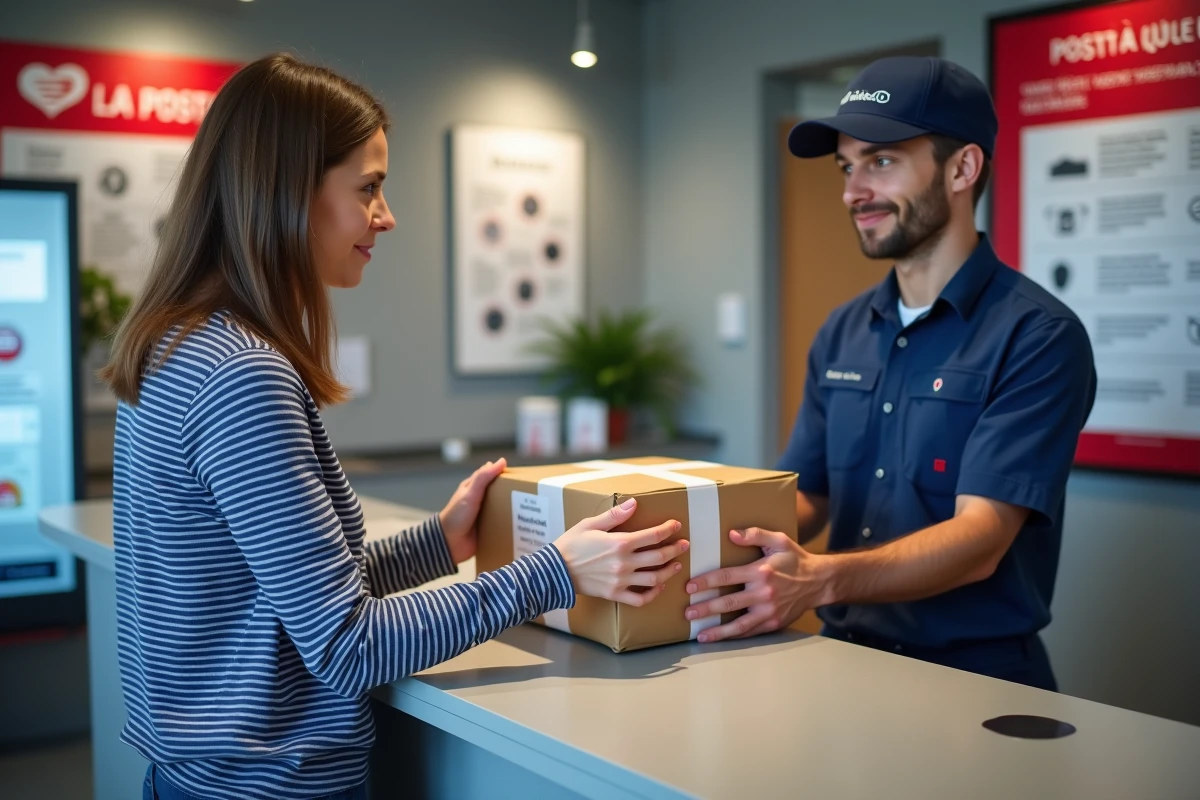
At Vinted Go collection points, the QR code or digital label is sufficient in most cases. The merchant scans the code from their terminal. No label to stick on yourself in this case.
With a carrier like Mondial Relay or Colissimo (outside of Vinted Go), the procedure changes. The seller must:
- Download the label from the Vinted app in the “Sales” tab.
- Print it in PDF format, cut it out, and attach it visibly to the package.
- Drop off the package at the collection point corresponding to the indicated carrier (a Mondial Relay package cannot be dropped off at a Colissimo point).
This distinction may seem obvious, but it regularly generates confusion. Each carrier has its own network of drop-off points. Dropping off a package in the wrong place blocks the shipment and delays delivery.
Activate and manage Vinted Go shipping methods in your seller profile
By default, Vinted offers several shipping options on each listing. However, the seller can adjust the available shipping methods from their profile settings.
To activate or deactivate Vinted Go, go to the delivery settings in the app. Each shipping method (Vinted Go, Colissimo, Mondial Relay, Chronopost) appears with a checkbox. Disabling a method only affects future listings, not those already published.
Adjust the shipping method to the size of the item
A small piece of jewelry or a lightweight accessory can easily go through a Vinted Go locker. A framed painting or a large lot of books requires a service that accepts heavy packages, often with drop-off at a post office.
The Vinted app indicates the weight and size limits for each carrier at the time of listing the item. If the item exceeds these limits, the relevant shipping method simply will not be offered to the buyer.
Choosing the right shipping method is therefore done at the time of creating the listing, not after the sale. Checking the dimensions of the item and comparing them to the available delivery options remains the most useful reflex to avoid a blockage after the order. A well-prepared package, dropped off at the right place with the correct code, arrives at the buyer without a hitch, and the payment is released promptly.